


Introduction of JAL Chat Support

About JAL Chat Support
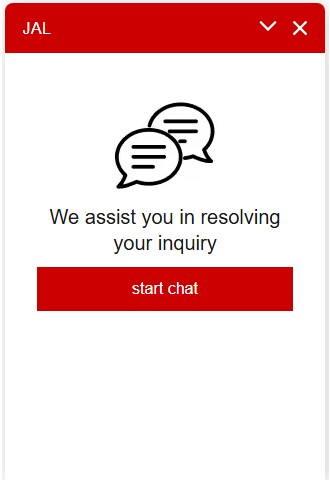
JAL Chat Support will answer your inquiries with a chatbot.
Contact our operator if our chatbot does not have the answer to your inquiries.
The working hours of our chat operators can be found on the Help & Contacts page.

Subject Matter
Domestic and International Flights
- Reservations, purchases, and information on airline tickets (such as reservations, changes, cancellations, seat assignments, and others)
- Various services such as boarding support for children traveling alone or customers traveling with pets, international inflight meal reservations, to name a few.
- Flight status
- New award reservation and ticket issuance must be made over the phone or cannot be made.
- Please contact the tour office for tour products.
Mileage
- Inquiries about mileage
- Depending on the inquiry, we may ask you to call us.
- Operators will respond to inquiries only from Japan.
How to use
The JAL Chat Support is available from the Help & Contacts page.
Click here for the chatbot operating instructions Open


[Exclusive to URL recipients] Click here for internet call instructions Open


On Using this Service
- The personal information of our customers are protected in accordance with the JAL Group's Basic Policies on Information Security and Protection of Personal Information.
- Below is the recommended environment.
- When using the internet call service, the "Prevent Cross-Site Tracking" setting on your device should be turned OFF.
Additionally, cookies in your browser settings need to be enabled if they are currently disabled, since this service requires cookies.
Please be assured that your data will not be used for any other purposes.
FAQ
I used Change Location and Language on Help & Contacts page, but my preferred language was not reflected on the chat screen. Open
Please restart the chatbot to change the language.
Follow the below instructions:
- Select "End chat" from "⁝" in the upper left corner of the chat window.
- Click the "X" button in the upper right corner of the chat window.
- Click the chat icon in the lower right corner of the Help & Contacts page to start chat again.